
Bluetooth LE MIDI
Click once.
You're playing.
On the Mac, Bluetooth MIDI hides inside Audio MIDI Setup. Conji gives it a window of its own — every nearby device listed, one click to connect or disconnect, and no guessing which one is actually live. The same app is on iPhone and iPad.


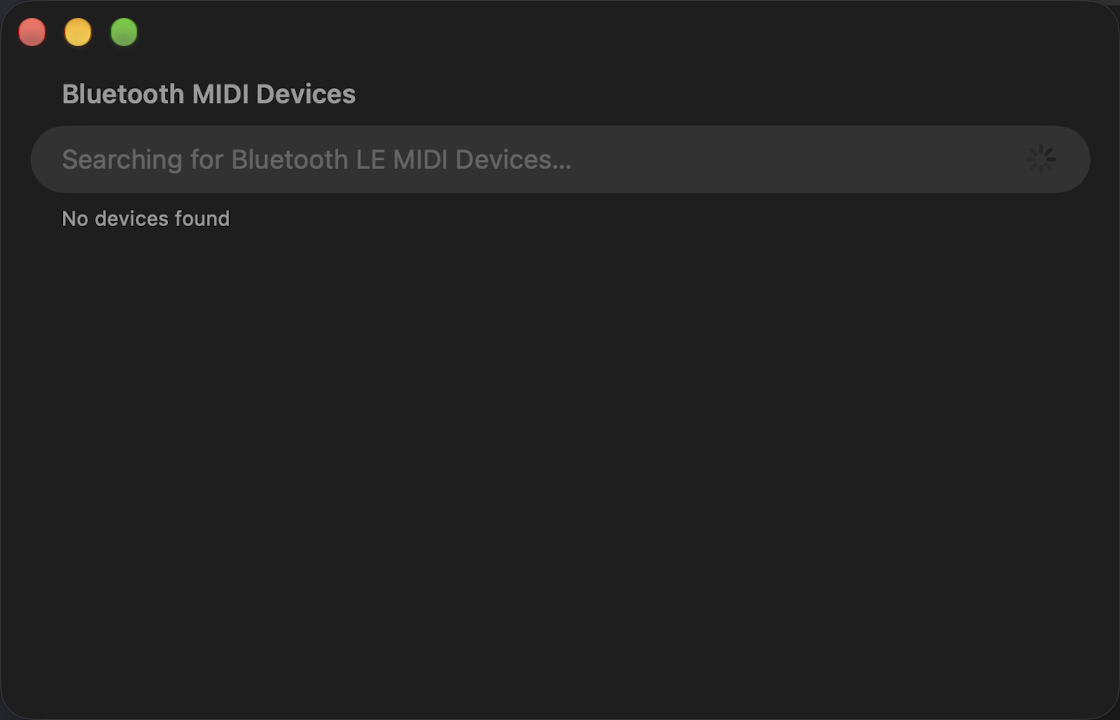
Everything nearby, in one window.
Conji shows what's discoverable, what's connected and what dropped out, and lets you change any of it without leaving the app.
What's included
Every device, one list
Browse and connect all discoverable Bluetooth MIDI devices in one place.
A real window on the Mac
No more digging through Audio MIDI Setup to reach the Bluetooth pane.
Know when it drops
Notifications the moment a device connects or disconnects.
Badge on the icon
The number of active connections, without opening anything.
Widget
Your connected device count at a glance, on the Home Screen, Lock Screen and Mac desktop.
Light, Dark, Auto
Follows your system appearance, or stays where you put it.
Control Center
A control on iPhone, iPad and Mac that opens Conji in one tap.
Siri & Shortcuts
Open Conji with your voice, or drop it into a Shortcut.
Price
Free
Platforms
macOS · iPhone · iPad
Version
1.3.0
Privacy
No data collected
Wireless MIDI, without the fiddling.
On stage or in the studio — open it, click, play.